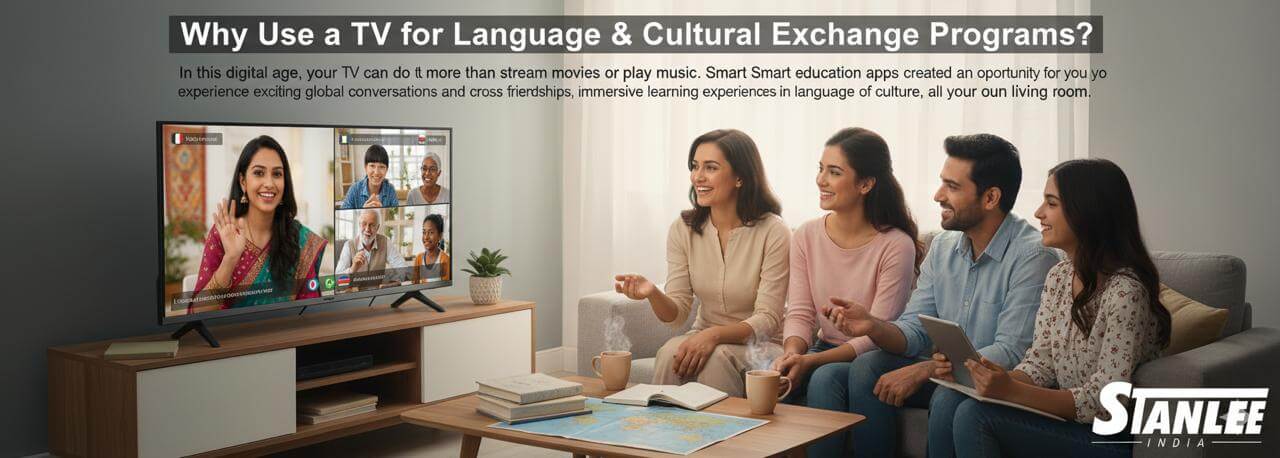
In today’s digital-first world, a television is much more than a box to watch a movie or your favourite series.
Smart TVs and streaming devices, combined with internet speeds, can convert your television into a hub of entertainment, games and amazing virtual memories — even with someone thousands of miles away.
Just imagine a highly competitive game of Monopoly, a laugh-out-loud Pictionary game or just a family catch-up.
An ordinary living room can be turned into a digital game board or a social space when the TV is the centrepiece. Here is how you can make it all possible.
-
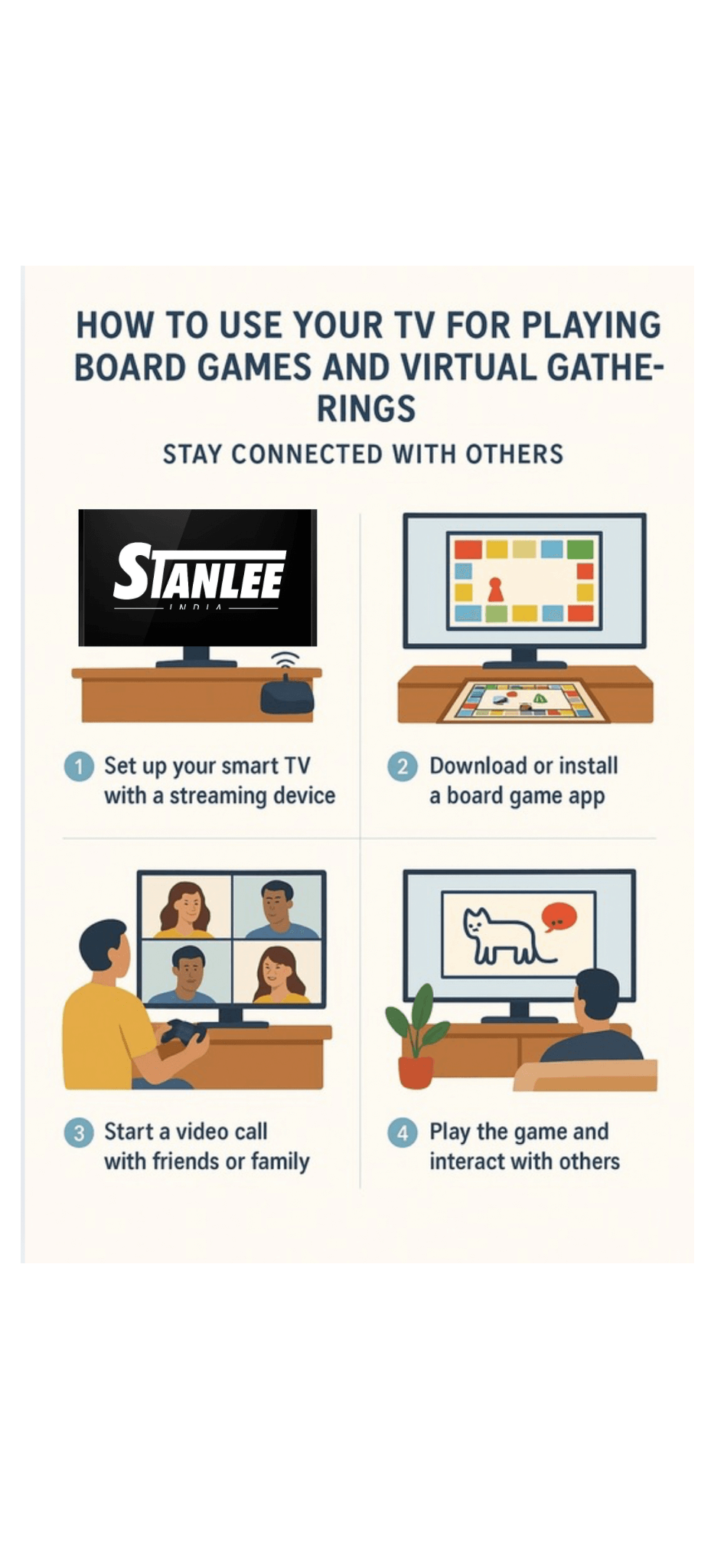
Get the Right Smart TV or Streaming Device
Get the right smart tv or streaming device with Stanlee india
Before getting started with some online board games, make sure your set-up is ready to go.
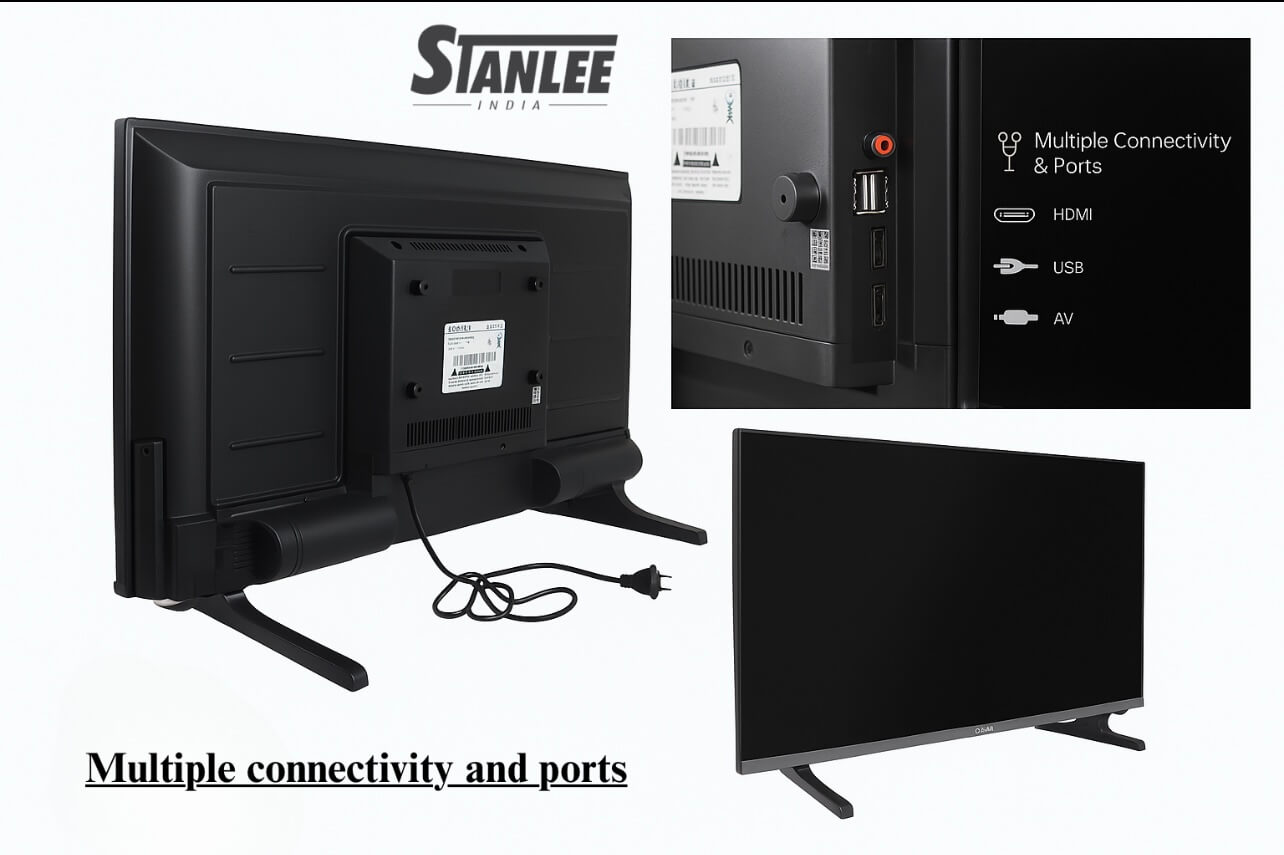
Most, if not all, of today’s televisions from Stanlee India’s collections include app stores and have great screen mirroring and/or casting capabilities that are perfect for playing games online with friends.
However, if you do not have a Smart TV, you can always have Hangouts or Zoom on your device and connect using either an Amazon Fire Stick, Google Chromecast or gaming consoles!
🚀 Tip: make sure to choose a Smart TV with a fast processor, good refresh rate and mirroring capability to avoid lag while gaming.
-
Download or Launch Your Favorite Game Apps
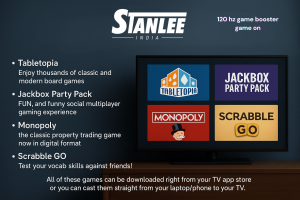
Download or launch your favourite game apps in Stanlee india
There are plenty of online board games, and multiplayer party apps for you to enjoy on your Smart TV! Just a few examples include:
- Tabletopia – Enjoy thousands of classic and modern board games
- Jackbox Party Pack – FUN, and funny social multiplayer gaming experience
- Monopoly – the classic property trading game now in digital format
- Scrabble GO – Test your vocab skills against friends!
All of these games can be downloaded right from your TV app store or you can cast them straight from your laptop/phone to your TV.
-
Create an Atmosphere Like It’s Really Game Night
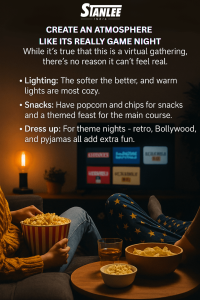
While it’s true that this is a virtual gathering, there’s no reason it can’t feel real.
- Lighting: The softer the better, and warm lights are most cozy.
- Snacks: Have popcorn and chips for snacks and a themed feast for the main course.
- Dress up: For theme nights — retro, Bollywood, and pyjamas all add extra fun.
-
Use Show and Share Mode or Casting Mode
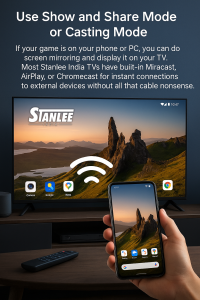
If your game is on your phone or PC, you can do screen mirroring and display it on your tv.
Most Stanlee India TVs have built-in Miracast, AirPlay, or Chromecast for instant connections to external devices without all that cable nonsense.
-
Use Online Gaming Modes via Multiplayer Platforms
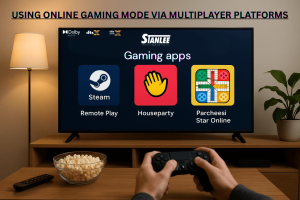
Apart from board games, you can try:
- Steam Remote Play – Stream your PC games from your desktop to your TV.
- Houseparty – Play mini games with friends, in real time.
- Parcheesi Star Online – A virtual twist to familial Ludo.
-
Why Your TV is The Greatest Device to Have

While playing on your phone is okay, using your TV will enhance the experience and allow better clarity, vibrant visuals, and group focus allowing everyone in the room to spot situational changes without squinting at a tiny display.
Conclusion
Your TV isn’t simply an expensive way to binge;
it’s a social lifeline connecting family and friends who are many miles apart.
Use the latest Stanlee India Smart TVs and plan the latest apps to help transform an average night into a night filled with laughter, strategy, and memories.
Now, plug in, turn it up, and let’s go!
Stay Tuned, Stay Connected