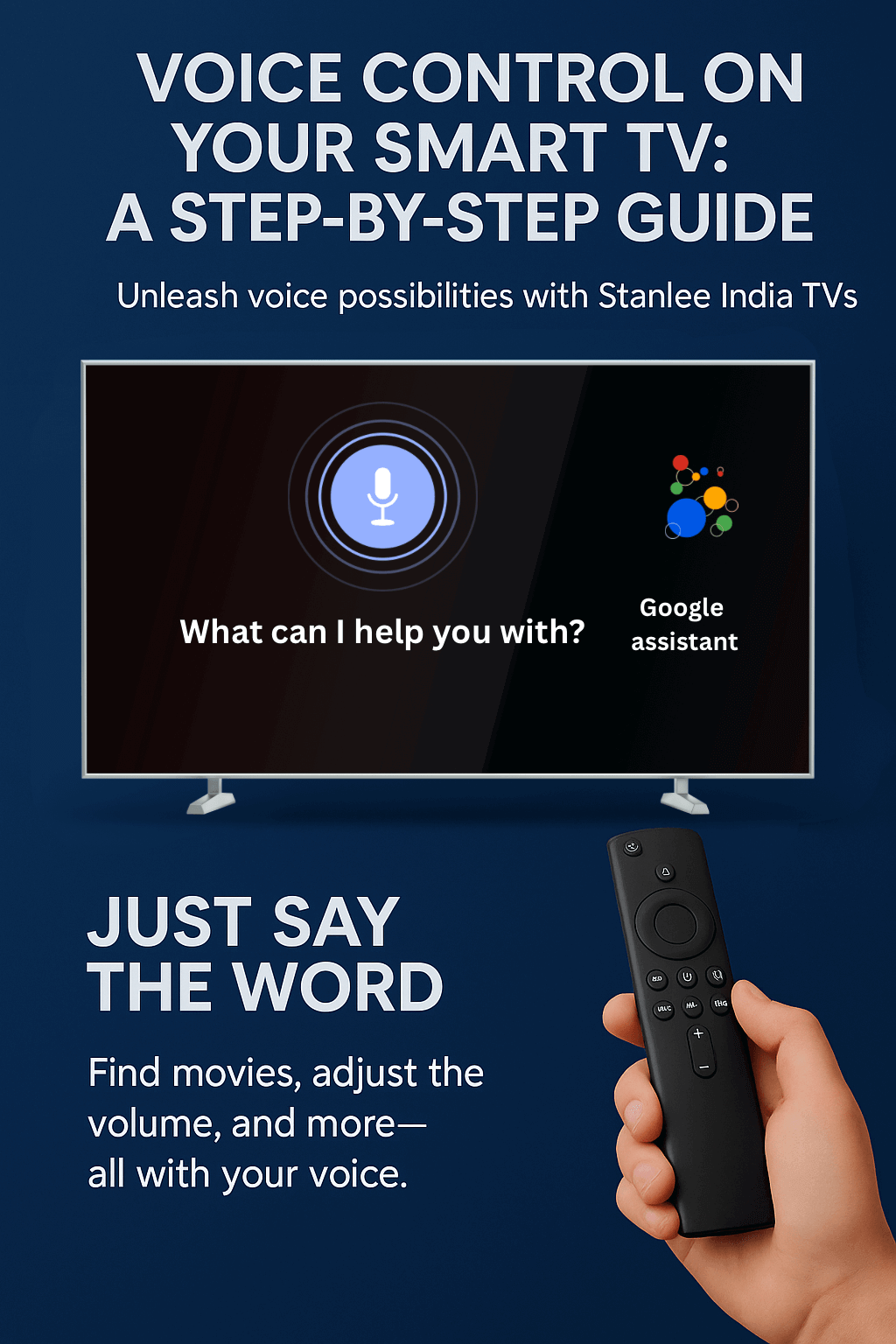
Unleash Voice Possibilities With Stanlee India TVs
Forget about endlessly typing on your remote control.
At Stanlee India, we want technology to make your life easier, and our voice enabled Smart TV’s can help.
If you are wanting to find a movie, change the volume, see the weather, all it takes is your voice!
You now have a step by step guide to voice control on your Stanlee India Smart TV.
🛠️ Step #1: Confirm Voice Control is ON
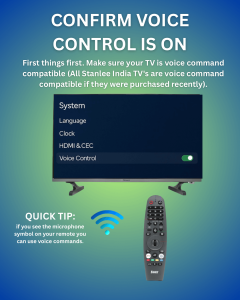
First things first. Make sure your TV is voice command compatible (All Stanlee India TV’s are voice command compatible if they were purchased recently).
- Settings > System > Voice Control
- Toggle the switch ON
- Create Wi-Fi
💡 Quick Tip: if you see the microphone symbol on your remote you can use voice commands.
🎙️ Step #2: Start the mic with your remote
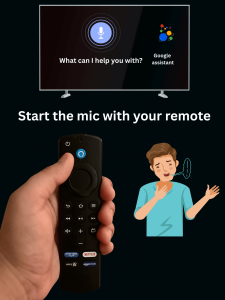
Stanlee India Smart TVs come with smart remotes which have a voice button (common mic icon but could vary by TV model).
- Select and press the mic button on the remote
- Wait for “Listening…” to appear.
- Then ask your command.====
🔊 Step 3: Speak Casually
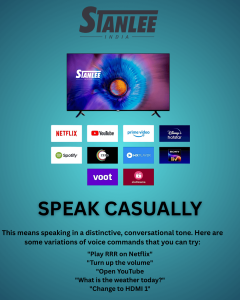
This means speaking in a distinctive, conversational tone. Here are some variations of voice commands that you can try:
- Play RRR on Netflix
- Turn up the volume
- Open YouTube
- What is the weather today?
- Change to HDMI 1
✅ Stanlee India TVs come equipped to work optimally with Indian accents, in multiple languages (English, Hindi, and local dialects).
🧠 Step 4: Wait for the AI to complete the work
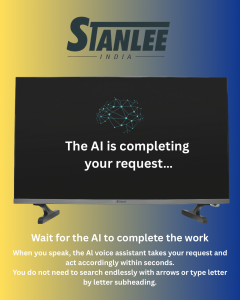
When you speak, the AI voice assistant takes your request and act accordingly within seconds.
You do not need to search endlessly with arrows or type letter by letter.
⚙️ Step 5: Customize your Voice Option settings
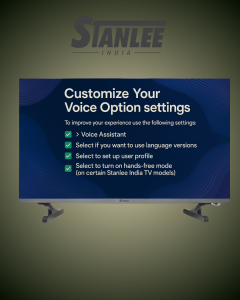
To improve your experience use the following settings:
- Settings > Voice Assistant
- Select if you want to use language versions
- Select to set up user profile
- Select to turn on hands-free mode (on certain Stanlee India TV models)
🎯 Bonus Tips for Best Results
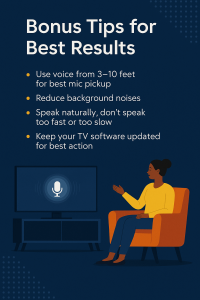
- Use voice from 3-10 feet for best mic pickup
- Reduce background noises
- Speak naturally, don’t speak too fast or too slow
- Keep your TV software updated for best action
Why Stanlee India Smart TVs are Different
✅ AI Voice Assistant
✅ Multi Language Support
✅ Fast & Responsive Smart Interface
✅ Developed for the Indian Home Experience
At Stanlee India, we do more than just sell TVs; we deliver smart experiences.
Voice control is simply one of the many intelligent capabilities affording convenience, comfort, and class in your living room.
Final Thoughts
Voice control isn’t the future. It is the present, and it’s ready for you on your Stanlee India Smart TVs.
Stay Tuned, Stay Connected
Credits go to
Authored by: Anmol Dhawan
Visuals by: Nishtha Kathuria
Reviewed & Finalised by: Cheena Luthra
Published by: Nimit Luthra