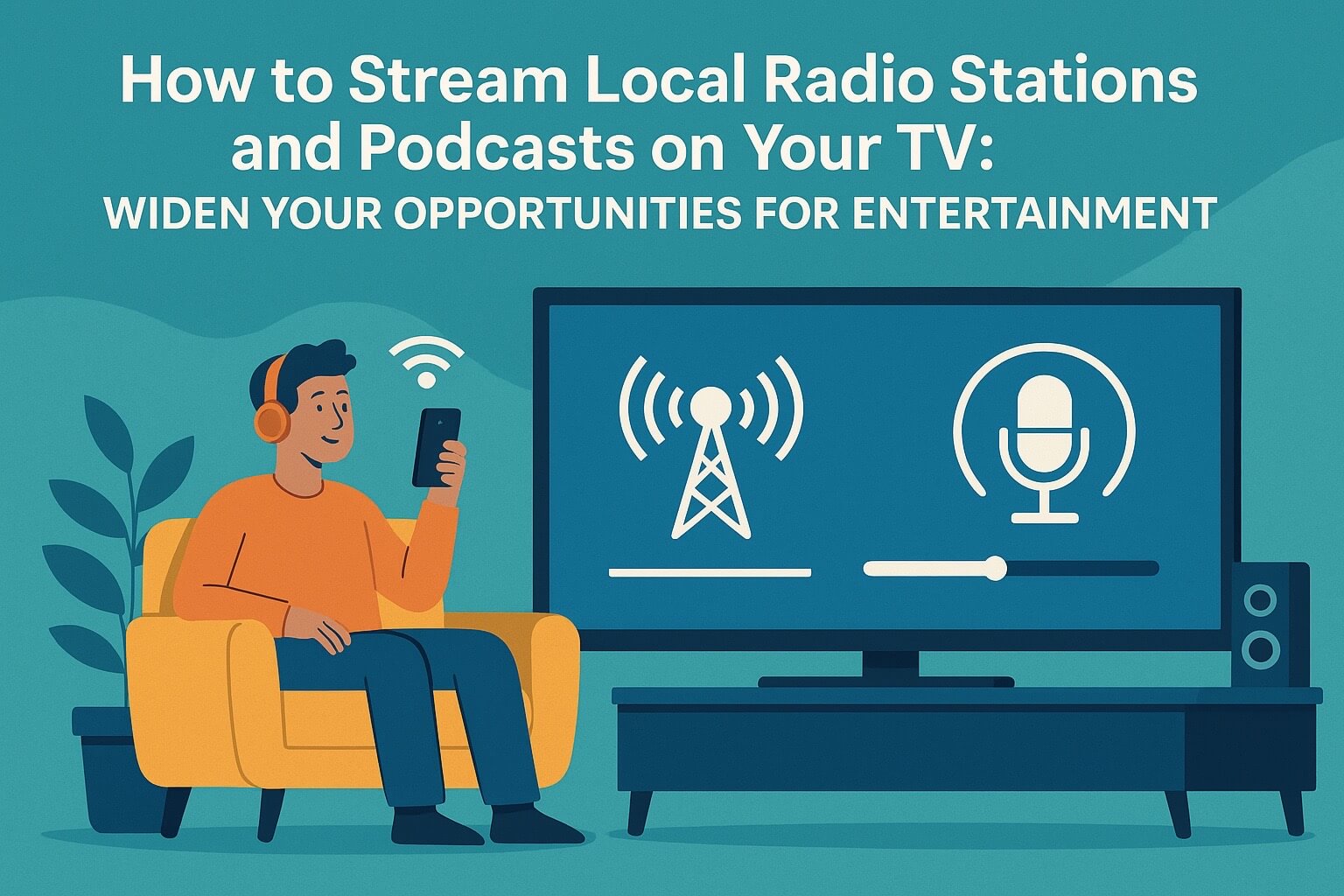
In today’s smart entertainment age your TV isn’t just for watching your favorite shows and films, it’s also an audio device.
Imagine tuning into your favorite local radio station or streaming the latest podcast from your couch, on your TV, and on the big screen!
Sounds phenomenal doesn’t it?
At Stanlee India, we want to add more functionality to your TV!
We have outlined several easy ways you can make your TV an audio-visual entertainment platform.
📻 1. Built-in Radio apps on Smart TVs
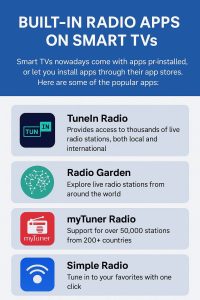
Smart TVs nowadays come with apps pre-installed, or let you install apps through their stores.
Here are some of the popular apps:
- TuneIn Radio: Provides access to thousands of live radio stations, both local and international
- myTuner Radio: Offers the best of local FM & AM stations from around the world.
- Radio Garden: Unique interface that allows you to spin a globe and click and tune into radio stations based on your location.
✅ Smart TVs from Stanlee India seamlessly support these apps! Simply connect your TV to Wi-Fi, access the app store, and download your desired radio app.
🎧 2. Connect Through Bluetooth or Wi-Fi Speaker Apps
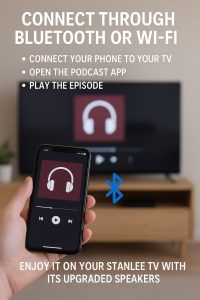
If you want to use the TV to listen podcasts without third-party apps? If you are using Spotify, Apple Podcasts or Amazon Music on your phone:
- Connect your phone to your TV by using Bluetooth, or you can cast.
- Open the podcast app you wish to use.
- Play the episode; then you can enjoy it on your Stanlee TV with its upgraded speakers.
🎯 Pro Tip: Btw, our latest models use wireless casting, meaning fewer cables, and more sophistication in your living room.
🌐 3. Listen to Radio & Podcasts on YouTube or in a Browser
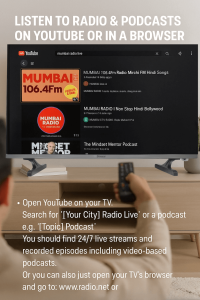
Don’t want to download extra apps? No worries.
- Open YouTube on your TV.
- Search for Your City Radio Live or a podcast e.g. “[Topic] Podcast”
- You should find 24/7 live streams and recorded episodes including video-based podcasts.
Or you can also just open your TV’s browser and go to:
- www.radio.net or
- www.podcastone.com
These websites immediately pull through the streaming content without the need to download apps
.
🔌 4. Connect External Devices
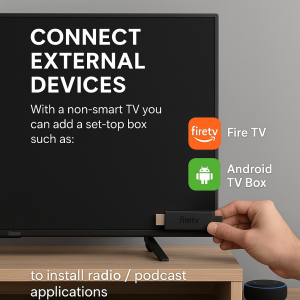
If you’re using a basic TV, don’t sweat it! Here’s how to do it:
- With a non-smart TV you can add a set-top box such as Fire TV Stick, or Android TV Box to install radio / podcast applications.
- Connect a Bluetooth speaker or soundbar to get in enhanced clarity of audio.
- Use your phone or a laptop and cast audio to the TV using screen mirroring.
📺 Stanlee India TVs work with a wide variety of accessories and streaming devices, therefore upgrading is simple and cost-effective.
🎤 5. Reasons Why You Should Use Your TV for Podcasts & Radio
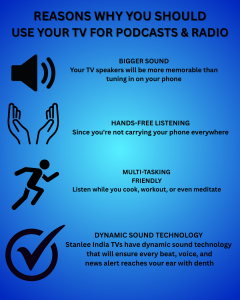
- Bigger Sound: Your TV speakers will be more memorable than tuning in on your phone.
- Hands-Free Listening: Since you’re not carrying your phone everywhere.
- Multi-tasking Friendly: Listen while you cook, workout, or even meditate.
And certainly – Stanlee India TVs have dynamic sound technology that will ensure every beat, voice, sound, or news alert rating will reach your ear with depth.
🛒Improve Your Entertainment Experience at Stanlee India
When it comes to entertainment, we don’t just sell televisions. We are an entertainment solution provider. Our televisions offer:
- Ultra HD displays
- Smart connectivity
- Strong built-in speakers
- Friendly app capabilities
No matter if you enjoy the latest news, singing along to your favorite songs, or bingeing your favorite functional podcast, you only need a Stanlee TV to connect you to the outside world.
🙌 In Closing
Your TV does more than stream Netflix for you.
It’s a conduit to your local community, your favorite voices, and everything that is sound and ideas. Begin using your television in a smarter way, starting today.
Let Stanlee India be your trusted partner with this focus on entertainment.
📞 Call or Stop in Today to view the best TV models with smart audio integration.
Stay Tuned, Stay Connected